Why we canceled Adobe.
- 23 October 2026
- 8 min read


Just the other day, I commented on an After Effects tutorial, saying, „It’s crazy that there are still people who use After Effects“, and got some pushback for it. „Everyone is free to choose their own tools“, was the general response. But that’s just as far from the truth as „We have no choice but Adobe“ – a phrase often seen in comments on posts critical of Adobe. It’s already clear that the issue is complicated, and it’s worth taking a closer look here.
Adobe's Strategies
During our studies at the university in the 2000s, we and everyone around us used almost exclusively Adobe products. I found that a bit strange even back then, and I also used other software, such as Combustion (the alternative to After Effects at the time). But we didn’t really pay much attention to it – until, at some point, the tide turned.
Adobe recognized its dominant position as well as the opportunities it presented and began to capitalize on them. Gradually, the company became increasingly aggressive in forcing its users into a state of dependency:
1) Locked-In Mechanics
For one thing, Adobe has created an ecosystem of software that, at first glance, interacts very well with one another. Premiere, Photoshop, and After Effects exchange files via direct software bridges, which automatically apply any changes made to the files anytime, anywhere. While this makes our work easier, it also traps us in a golden cage. Once this workflow – often chosen due to time constraints – is established, there’s hardly any turning back.
2) Define "industry standard"
Another argument that is often cited is the fact that customers require Adobe formats as the final product. In the print sector in particular, Adobe has achieved such dominance that it has been able to set the format standard. It has even managed to supplant open formats like EPS with its own PDF format, thereby becoming the standard itself. Just as with lock-in mechanisms, Adobe can simply rely on users’ lack of caution and slowly but surely win the battle.
3) the subscription model
The last Adobe product available for purchase was Creative Suite 6. After that, in 2011, the company was one of the first to introduce a subscription model, under which the software could no longer be purchased but only rented. However, since projects often overlap and sometimes span several years, canceling a subscription almost never makes sense; leaving the service is therefore very cumbersome and results in the loss of any ability to edit previous work. And Adobe has managed to make matters even worse: high cancellation fees and an unnecessarily complicated cancellation process keep many users trapped in the subscription trap.
Ways to obtain exemption
This is where open-source software comes into play – ideally. We can quickly refute the argument that this would make us uncompetitive. We have been gradually switching to such alternatives for over a decade, and not only have we remained competitive – we’ve even been able to reduce costs as a result.
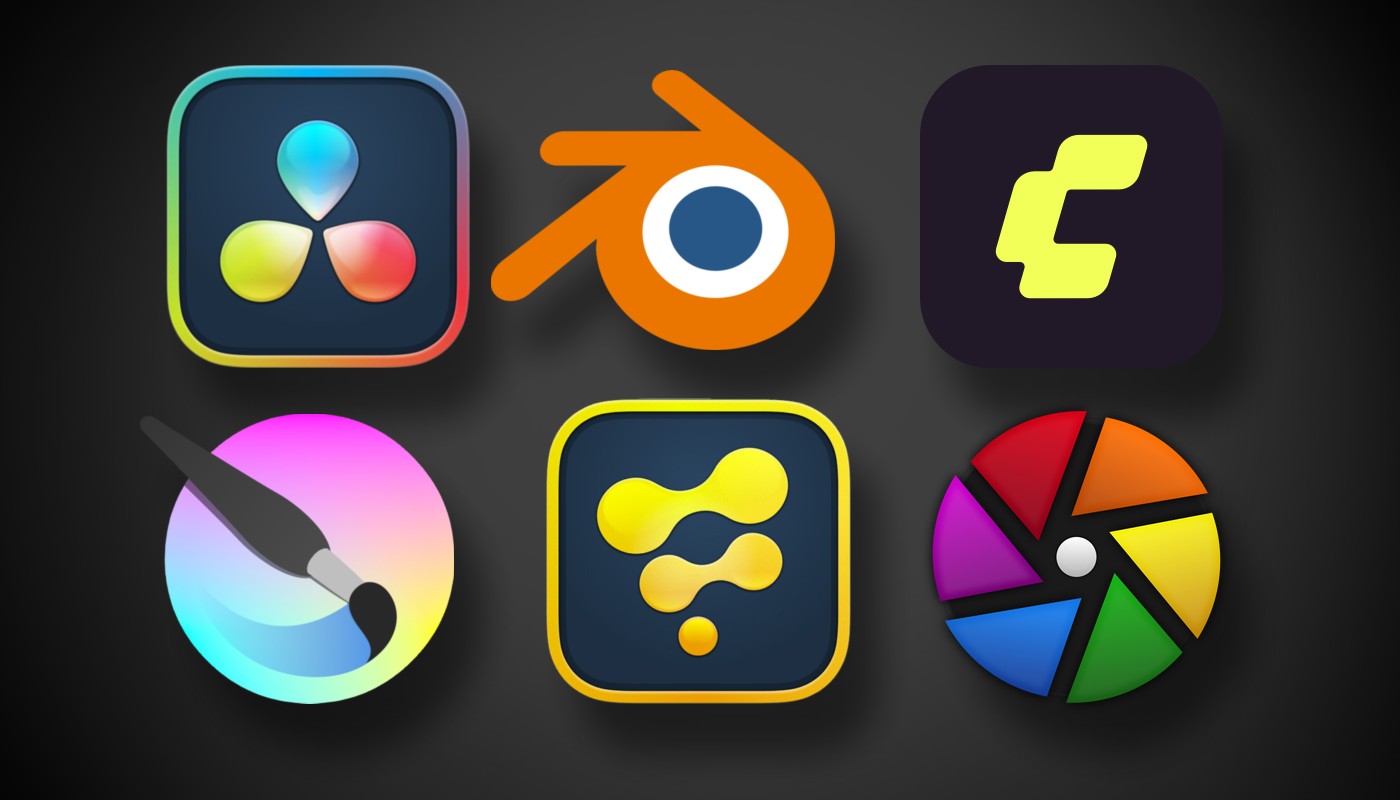
- Photoshop – Krita
- Premiere – Davinci Resolve
- After Effects – Fusion
- Audition – Fairlight
- Substance Painter – Blender
- Lightroom – Darktable
- Adobe-KI – Comfy UI
The best part is that you can download the entire list for free and even use it offline. The only exception is DaVinci Resolve, where we recommend purchasing the Pro version for a one-time fee of approximately €299 (2026). This not only unlocks all features, but also includes all future updates. Not even the retailer itself could tell me why Blackmagic is offering this incredible deal. In any case, we opted for the dongle version, since it also works offline.
Photoshop – Krita
We have to admit that the alternative to Photoshop was the most challenging of all. Krita itself can load PSD files, though not without limitations. Filter layers may appear differently in the final result, and it wasn’t until the latest version, 5.3, that PSD text layers could be loaded as editable. Nevertheless, all Photoshop users will quickly notice how similar Krita’s structure is to Photoshop’s and how quickly you can fall in love with the interface. Vector graphics, in particular – which are extremely cumbersome to work with in Photoshop – are handled surprisingly well in Krita.
Premiere – Davinci Resolve
Blackmagic provides the solution here with a full range of tools in the form of DaVinci Resolve – available as freeware for unlimited testing or as a studio version with all features. We’ve been using this software since 2017 and find it lacks nothing compared to Premiere. Blackmagic truly has everything covered, from beginners all the way up to feature film production. The software integrations with Adobe are also included in Blackmagic’s DaVinci package. DaVinci Resolve, Fusion, and Fairlight come as an all-in-one installation and are therefore already integrated with one another. As a result, the suite provides everything needed for a full-scale production.
After Effects – Fusion
First and foremost, it’s clear that Fusion’s node-based workflow is more intuitive and versatile than After Effects’ outdated layer-based workflow. In addition, the already extensive range of filters can be further expanded with OFX plugins. To me, Fusion is therefore more reminiscent of the far more powerful Nuke than of After Effects, making it clearly the better choice. For more complex projects, Fusion can also be installed as a standalone tool. However, this requires a Davinci Resolve Studio license.
Audition – Fairlight
Fairlight, as part of DaVinci Resolve, is designed for sound designers in the film industry, but it can also be used for audio production alone. VST plugins are fully supported, and more and more AI-powered tools are added with each new version. For those of us in the film industry, the range of possibilities is often more than we actually need.
Substance Painter – Blender
Blender is simply unbeatable. And it's evolving at a record pace right now. We use Blender primarily because, thanks to its open-source nature, it's the most widely used tool in the field of AI.
Lightroom – Darktable
Admittedly, Darktable isn't easy to use. It takes a little getting used to. For photographers, however, the switch is worth it, since Darktable integrates wonderfully with Davinci Resolve's Photo Page and the capabilities of Krita.
Adobe-AI – Comfy UI
Unfortunately, we can’t make any specific statements about Adobe’s AI, Firefly, etc. We’re only familiar with them from tutorial videos, and they seem quite powerful. However, we’d counter that with the rapidly expanding capabilities of Comfy UI, which cover just about everything that’s possible with AI. If desired, the entire system can be set up locally on your own computer – making it royalty-free, controllable, and modular – to suit your specific needs.
Anyone who has taken a closer look by now will surely have noticed that all of our alternatives also run natively on Linux – another advantage over Adobe, which has not yet managed to do so, and which opens up additional options for greater independence in the future.
A polypolistic software market benefits everyone
At this point, a shout-out to creative education programs, universities, and schools: set tomorrow’s creative minds free by – ideally – teaching open-source software and open formats! Locking them into the Adobe cage at an early age only serves to unnecessarily exacerbate the market situation.
The more users turn away from Adobe and break its monopoly, the better it will be for all creative professionals. Not only will prices drop due to competitive pressure, but the software itself will become more open and user-friendly. Open standards would once again be promoted so that all software providers can participate in the market, and even the end customer would benefit from all of this, since they would receive files that can be edited by multiple users.
It would be a system of give and take in which the value created would not be held hostage by monopolists, but would belong to those who wish to utilize it, just as in a functioning ecosystem.
And there’s one thing we should always keep in mind – what’s in the cloud could be gone tomorrow. Or it could cost more. Or it could suddenly be subject to terms and conditions we can’t accept. We’re in control of what’s on our hard drive.
The choice is yours. Till next time, Winni & Doreen.
